However good your invitation, some guests won't reply until they're reminded. A well-timed, polite reminder can make a big difference to your reply rate. Here's how to do it without annoying anyone.
Only remind people who haven't replied
Nothing irritates a guest more than a reminder to reply when they already have. Send reminders only to people still awaiting a reply.
When to send
- First reminder: about a week before your reply deadline
- Second reminder: a day or two before the deadline
- After the deadline: a personal email or phone call to key guests only
Send during working hours on a weekday. Avoid Friday afternoons and Monday mornings, when inboxes are fullest.
What to say
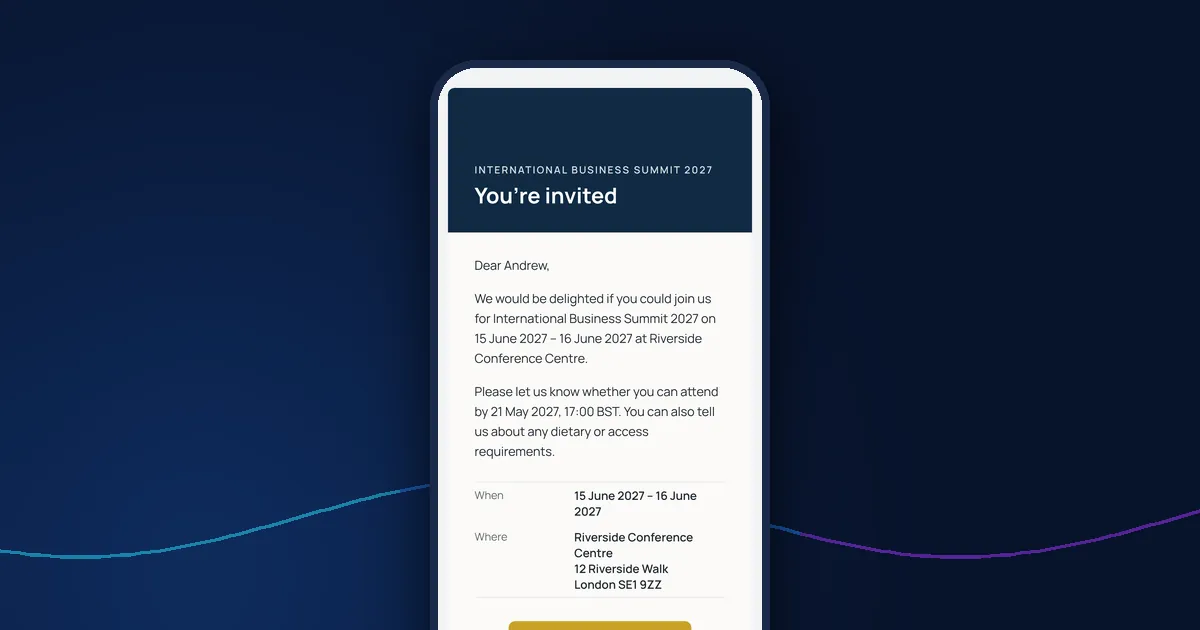
Keep it short and friendly, and repeat the essentials: the event, the date and the deadline, with the same reply button as the invitation. For example:
Dear Andrew, a quick reminder that we'd love to know whether you can join us for the International Business Summit on 15 June. Please reply by Friday 21 May using the button below. If you've any questions, just reply to this email.
Use the subject line
Make the deadline clear in the subject line, such as "Please reply by 21 May: International Business Summit".
Look at who has opened their link
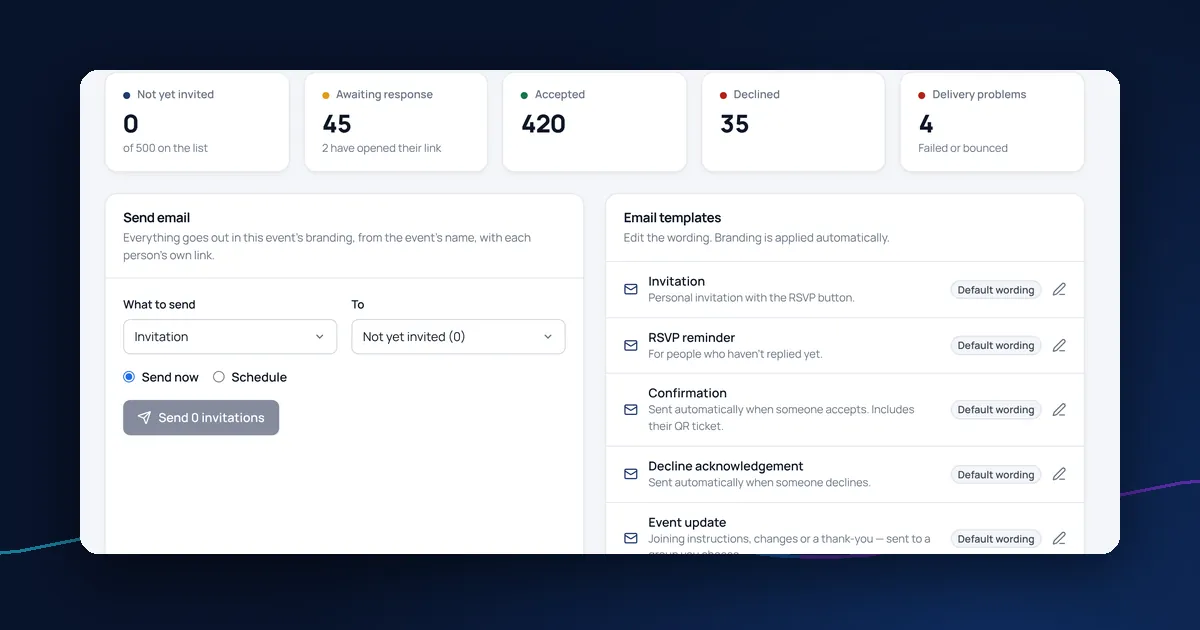
Guests who opened their reply link but didn't finish may only need a nudge. Those who never opened the invitation may not have received it; check for bounced emails and confirm the address.
For the full process, see how to manage RSVPs for a corporate event.
Reminders in DelegateFlow
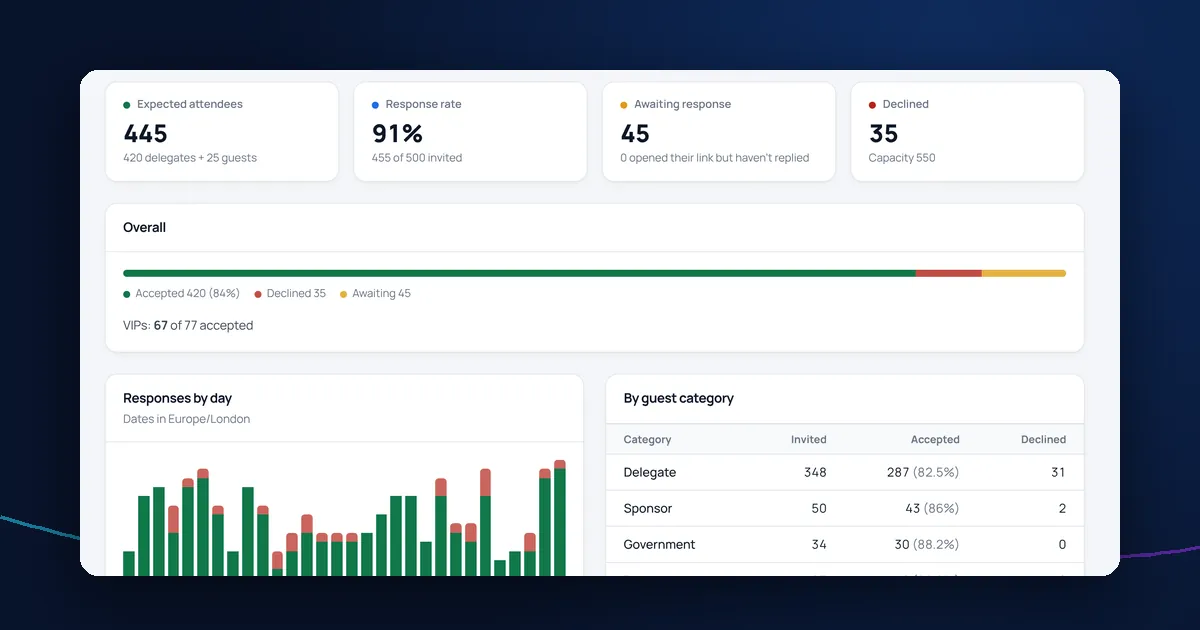
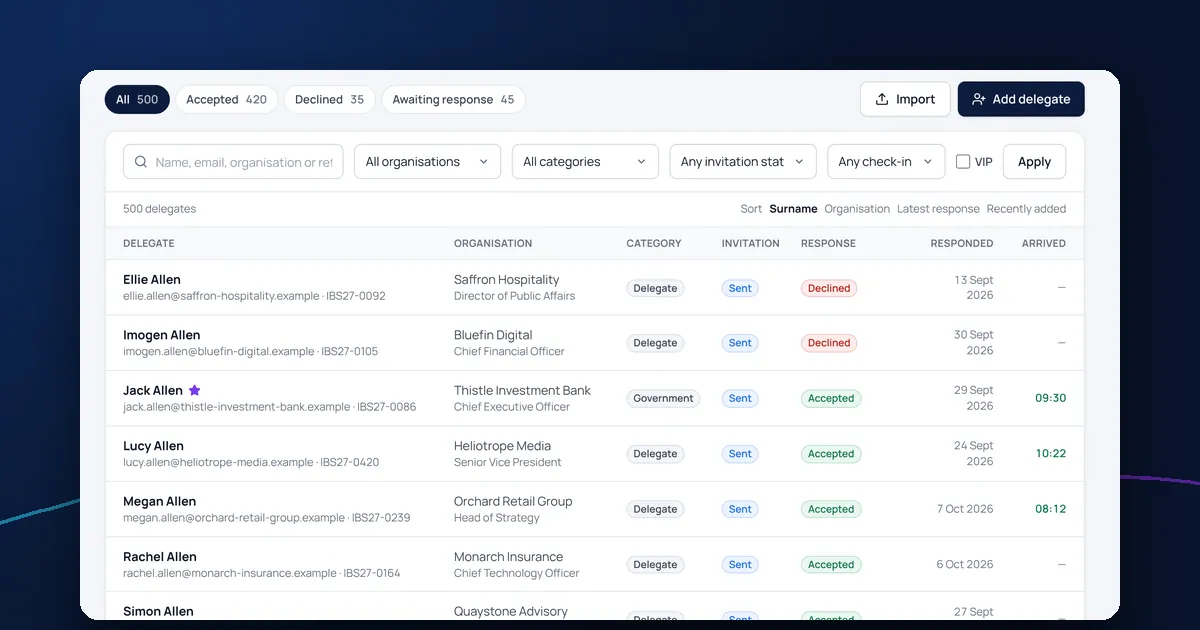
DelegateFlow lets you send reminders to people who haven't replied, now or scheduled for a date and time you choose, using an editable template. The responses dashboard shows who has opened their link but not replied, and bounced or failed emails are flagged on the delegate list. Read more about event registration and RSVPs.