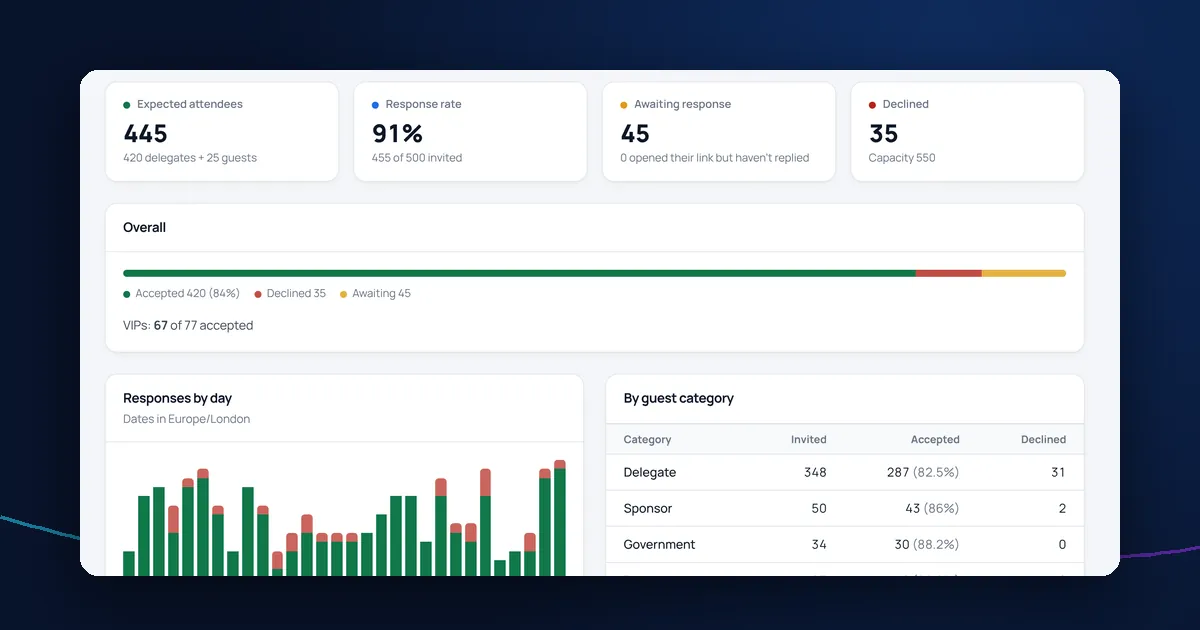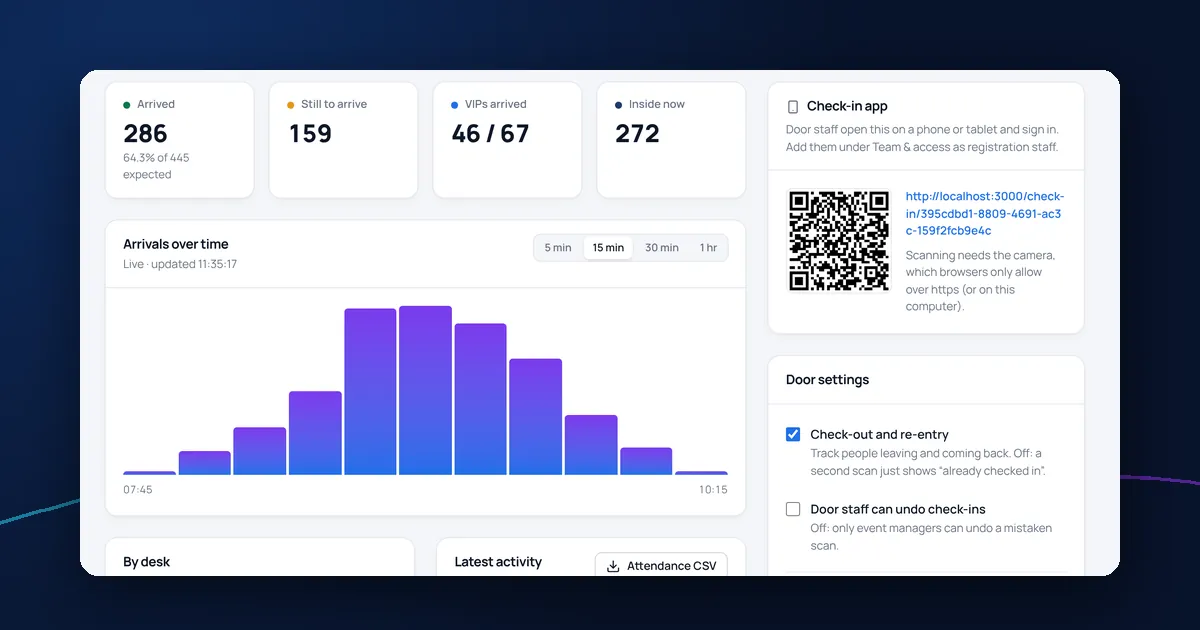
The delegate list is the backbone of a conference. Invitations, badges, catering numbers, seating and check-in all depend on it. A messy list causes problems all the way through, so it's worth getting right from the start.
What to record for each delegate
- First and last name, spelled as they'd like it on a badge
- Email address (one per person, used to match records)
- Organisation and job title
- Guest category, such as delegate, speaker, sponsor or press
- VIP status, if some guests need extra attention
- How many guests they may bring
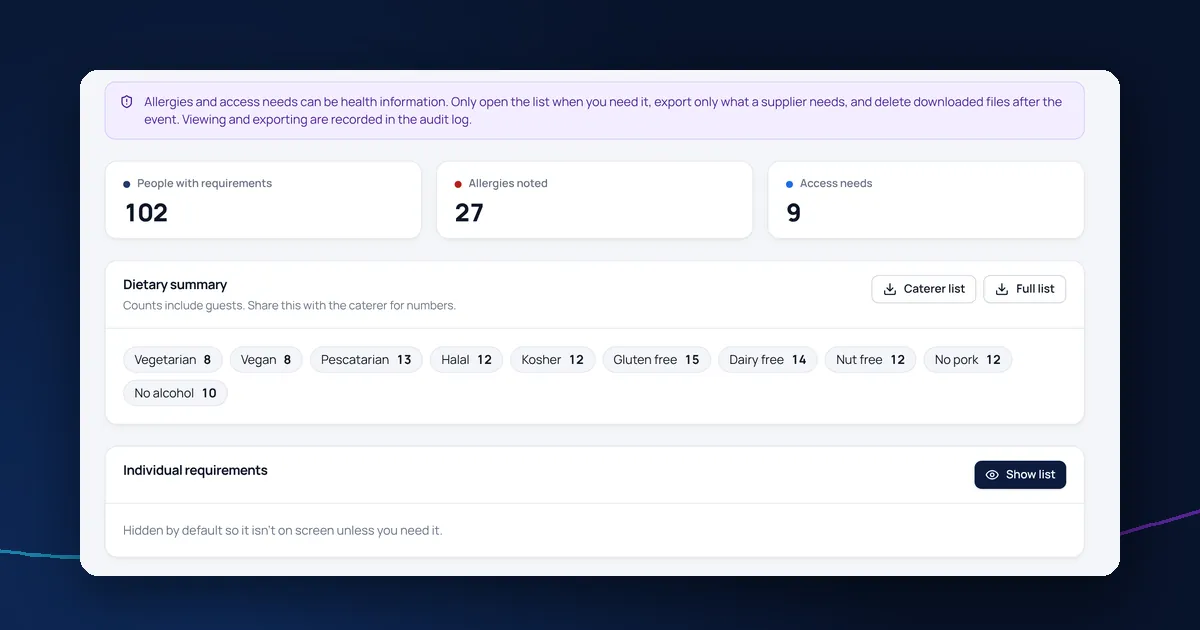
Keep dietary and access needs out of the main list. They can be health information, so they should be stored separately and shown only to people who need them. See how to collect dietary requirements.
Clean the list before you import it
- Remove duplicates: the same person often appears twice with different email addresses
- Check email addresses for obvious typos
- Use one column per field rather than combining name and organisation
- Agree the guest categories you'll use and stick to them
Import with a review step
Whatever system you use, check what an import will do before it changes anything: how many people will be added, how many updated and which rows have problems. Never let an import silently overwrite details someone has already corrected.
Keep one source of truth
Once invitations go out, the list changes daily as people reply, bring guests and change their plans. Work from one live list rather than emailing spreadsheets around, and give colleagues a read-only view if they only need to follow progress.
Reuse your setup, not your data
For annual events, copy last year's settings, branding and questions, but start each event with a fresh delegate list. Carrying personal data forward without a reason is a data protection risk.
Managing delegates in DelegateFlow
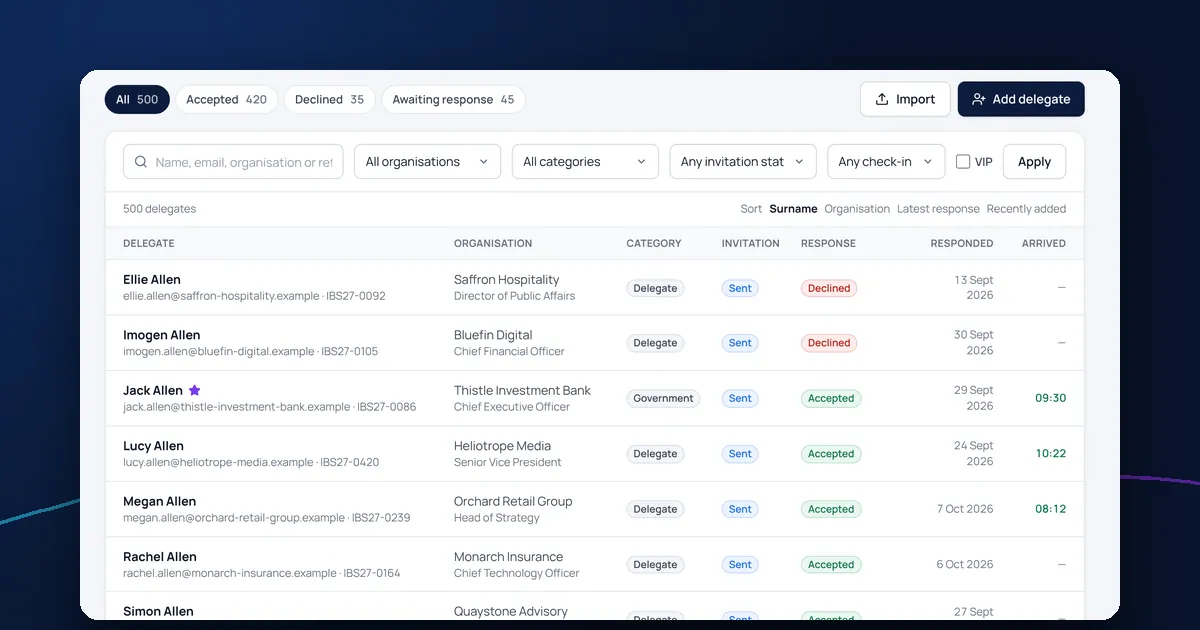
DelegateFlow's delegate management software imports CSV and Excel files, lets you match columns to fields, flags missing names, invalid email addresses and duplicates, and shows exactly what will change before anything is saved. Each delegate has one record with their reply, guests, emails, accommodation request and check-in history.