Your invitation is the first impression of the event. It needs to be clear enough that guests can decide in seconds, and personal enough that they want to say yes. Here's what to include, with examples you can adapt.
What every invitation needs
- Who it's from: your organisation or the host's name, recognisable in the inbox
- What the event is, in one line
- When: the date, start and finish times, and the time zone if guests are travelling
- Where: the venue name and address
- One clear button to reply
- The reply deadline
- Who to contact with questions
Anything else, such as the full agenda, speaker biographies or travel directions, belongs on the event page the guest reaches from the invitation, not in the email itself.
Subject lines that get opened
Keep subject lines short, specific and free of words that look like marketing. A few that work well:
- You're invited: International Business Summit, 15 June
- An invitation from [host name]: dinner at [venue], 10 March
- Please reply by 21 May: Leadership Forum 2027
Example invitation copy
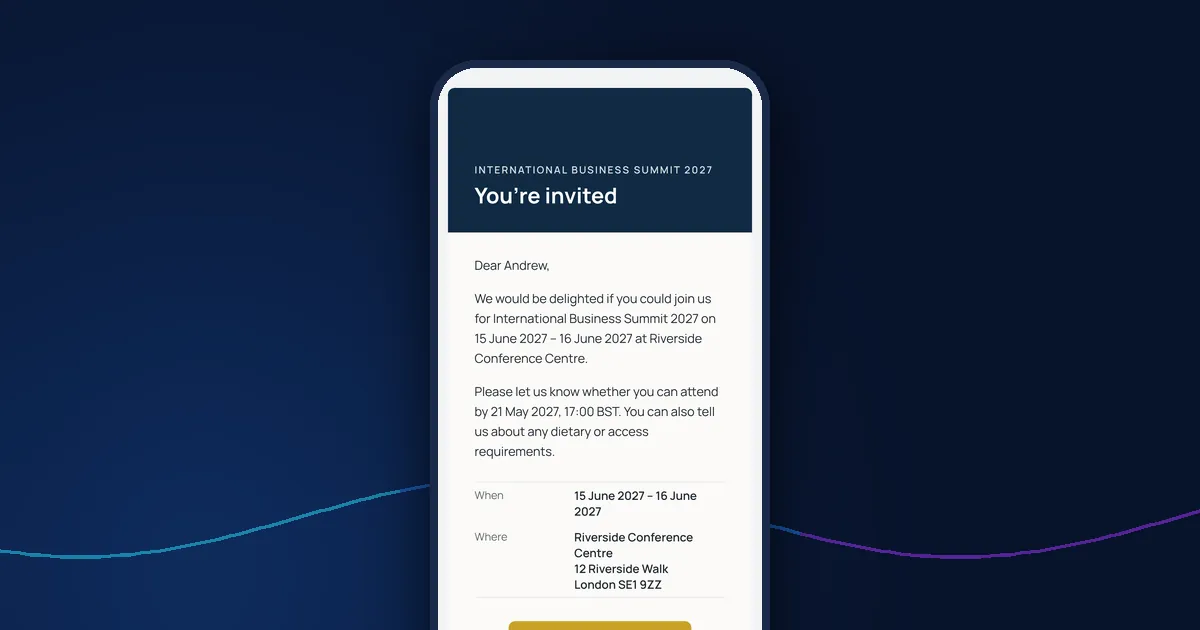
Dear Andrew, we would be delighted if you could join us for the International Business Summit on 15 and 16 June at the Riverside Conference Centre, London. Please let us know whether you can attend by 21 May. You can also tell us about any dietary or access requirements when you reply.
Address guests by first name, keep the opening to one or two sentences, and let the button do the work. A personal reply link means guests don't have to type their details again.
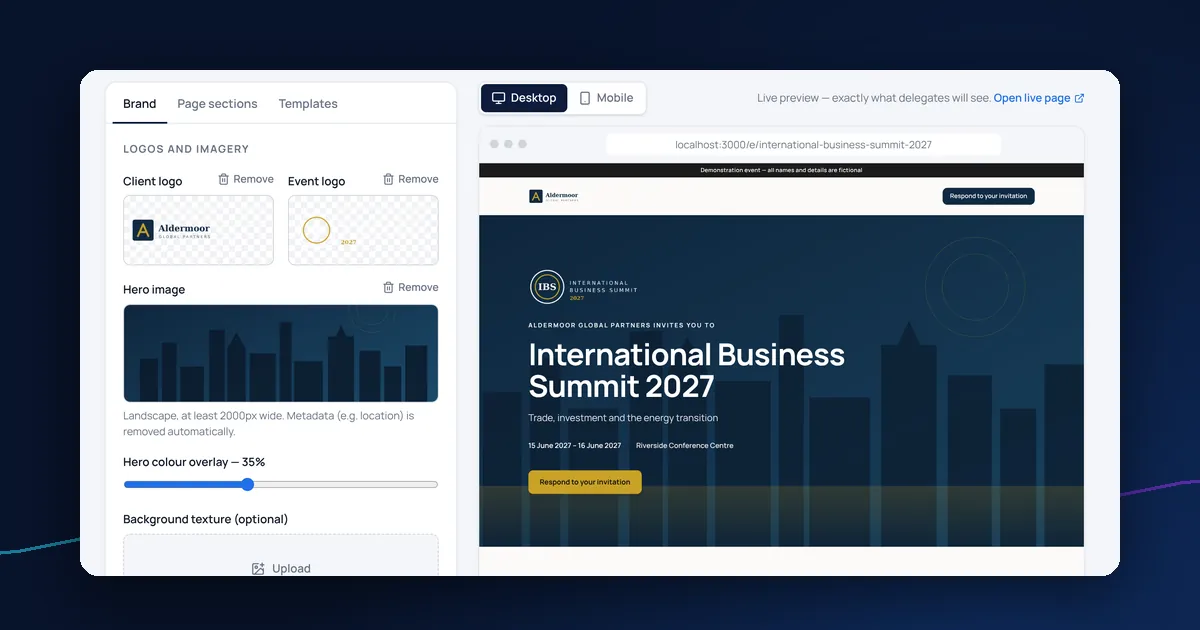
Make it look like it's from you
Use your logo, colours and fonts so the invitation is recognisable as yours, but keep the layout simple. Heavily designed emails that are one large image are more likely to land in spam and are hard to read on a phone. Always send yourself a test first and check it on a phone.
Follow up with reminders and a confirmation
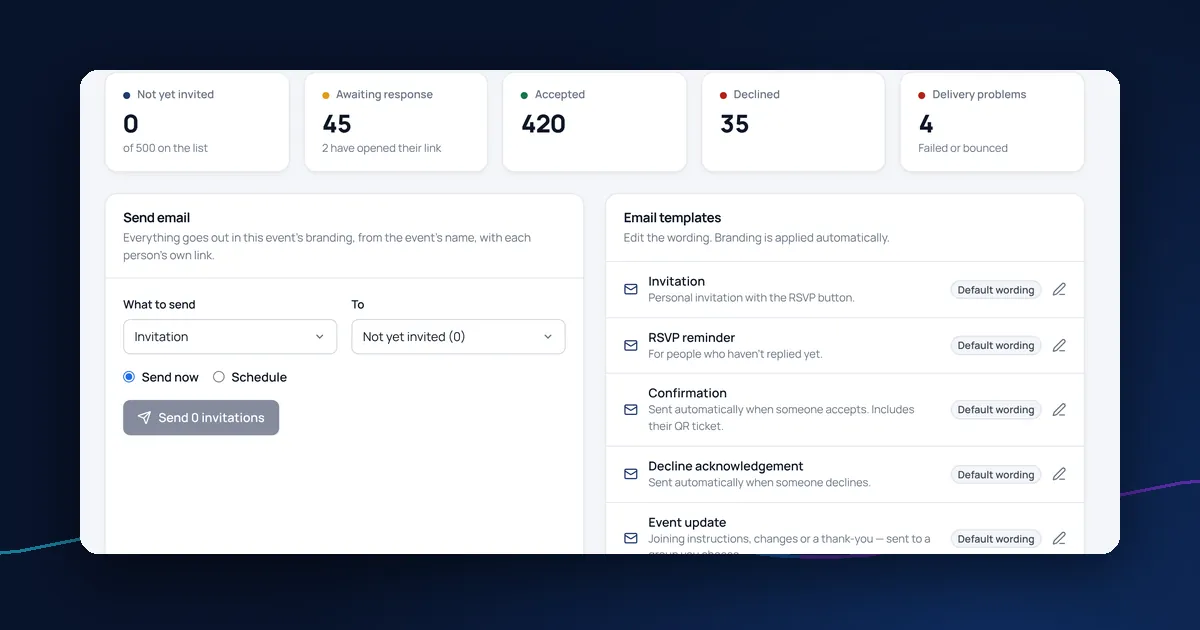
Plan the emails that follow the invitation at the same time: a reminder to people who haven't replied, a confirmation for people who accept and an update if anything changes. See how to manage RSVPs for a corporate event for the full process.
Sending invitations with DelegateFlow
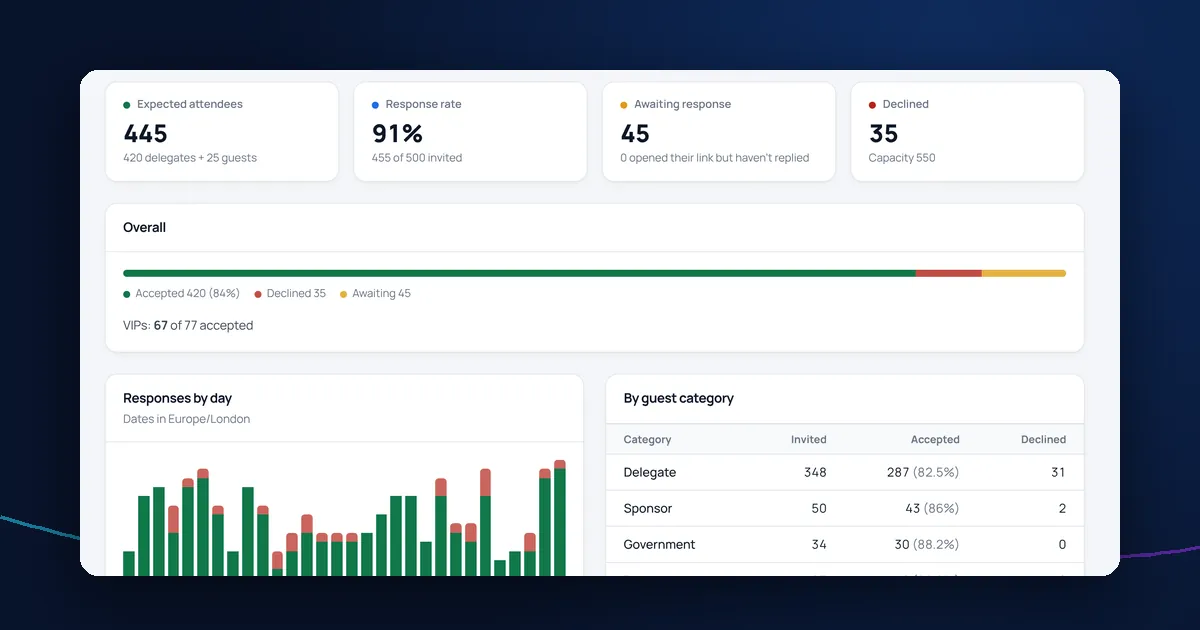
In DelegateFlow, invitation, reminder, confirmation and update templates are editable with merge fields for names, dates and the venue, and carry your event's branding. You can preview them, send yourself a test, and send to everyone, to people who haven't replied or to one guest, now or at a scheduled time. Read more about event registration and RSVPs.