Final numbers drive almost every decision on an event: catering, room layouts, seating, transport and staffing. Yet RSVPs are often managed in a shared inbox and a spreadsheet that's out of date the moment someone replies. This guide covers how to set up RSVPs so you always know who's coming.
Decide what you need to know before you invite anyone
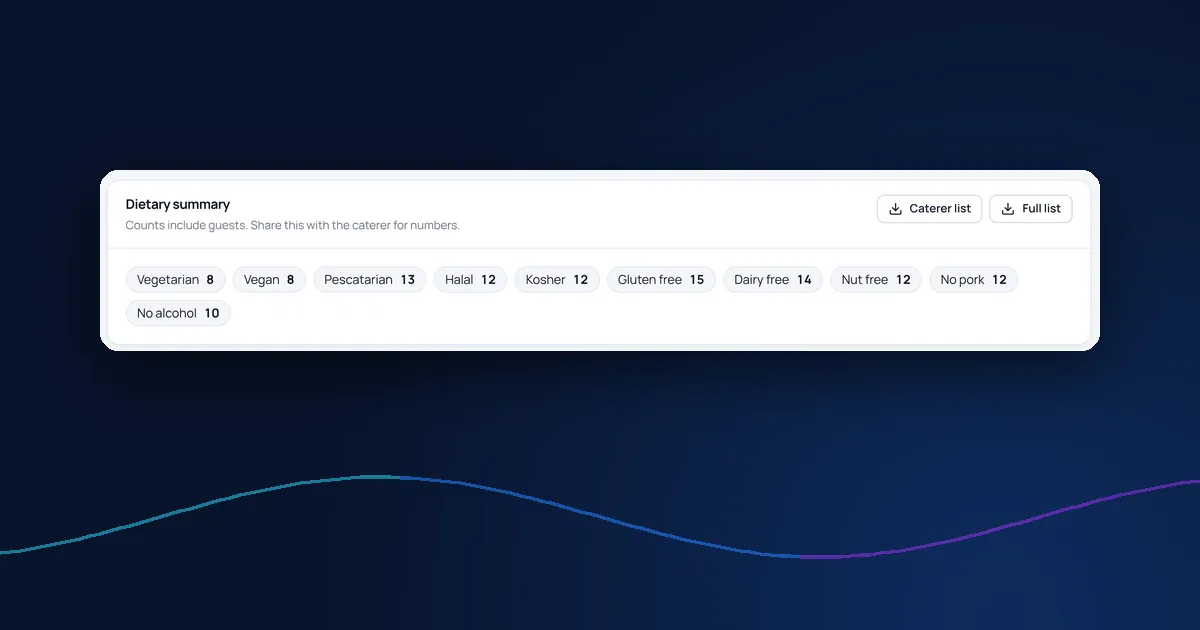
Work back from the decisions you'll have to make. If the venue needs dietary numbers ten days out, you need to ask about dietary needs on the reply form, not in a follow-up email. Typical questions for a corporate event are:
- Will you attend? (yes or no, nothing in between)
- Are you bringing a guest, and what's their name?
- Dietary requirements and allergies
- Access needs
- Session, meal or transfer choices, if there are any
- Accommodation, if you're offering rooms
Keep it short. Every extra question lowers the number of people who finish the form. If a question only matters for some guests, such as a transfer time for people who need a hotel, show it only to them.
Set a deadline and say it clearly
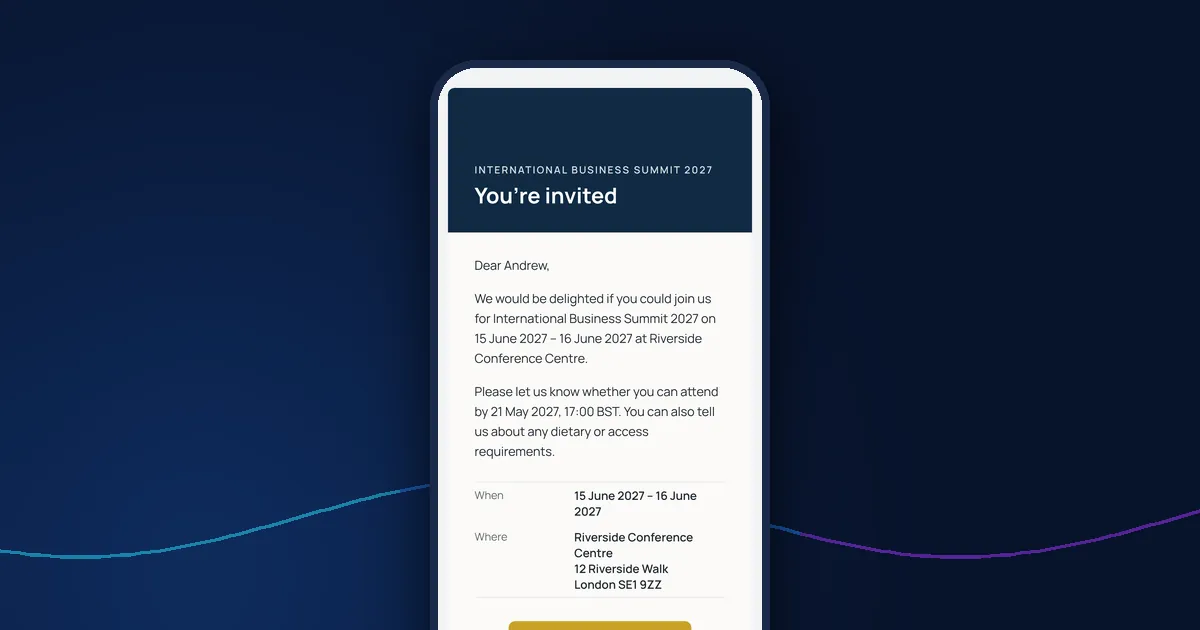
Give guests a specific date and time to reply by, and put it in the invitation, on the reply page and in every reminder. Allow yourself a buffer: if the caterer needs numbers on the 10th, ask for replies by the 5th.
Decide whether guests may change their reply before the deadline. Allowing changes keeps your numbers accurate; locking replies after the deadline stops last-minute surprises.
Give each guest their own reply link
A single public form invites duplicates, typos in email addresses and replies from people you didn't invite. A personal link for each guest means every reply is matched to the right person automatically, and you can see who hasn't replied rather than guessing.
Track replies in one place
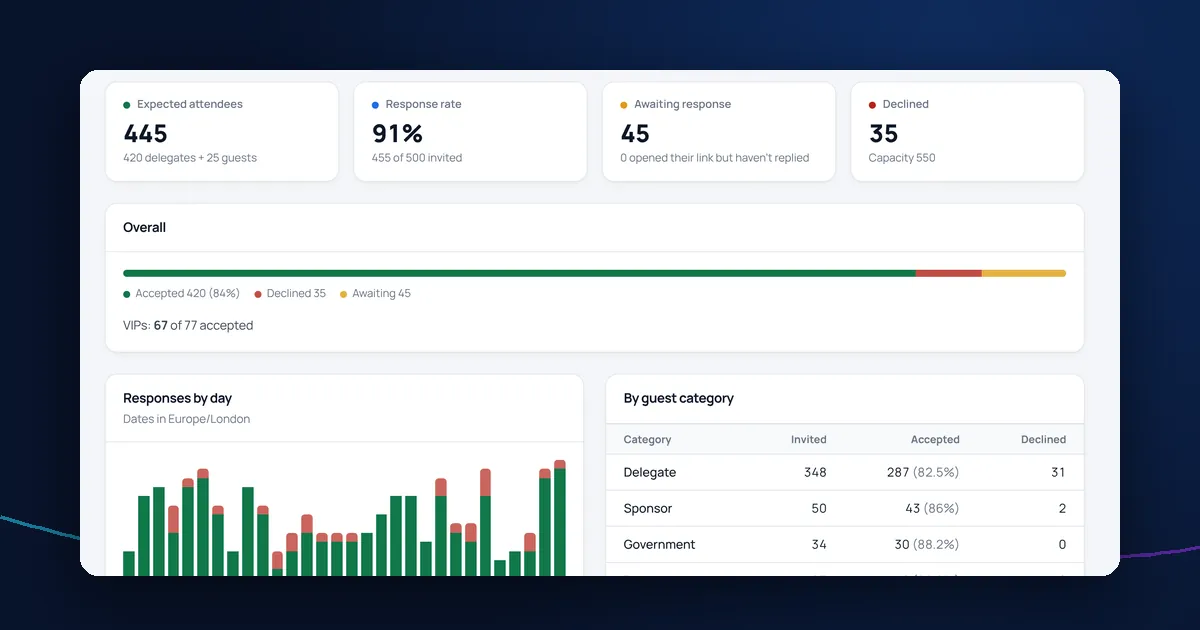
You should be able to answer three questions at any moment: how many have accepted, how many have declined and who is still to reply. It also helps to see who has opened their link but not replied: they've seen the invitation and may only need a nudge.
Chase the people who haven't replied
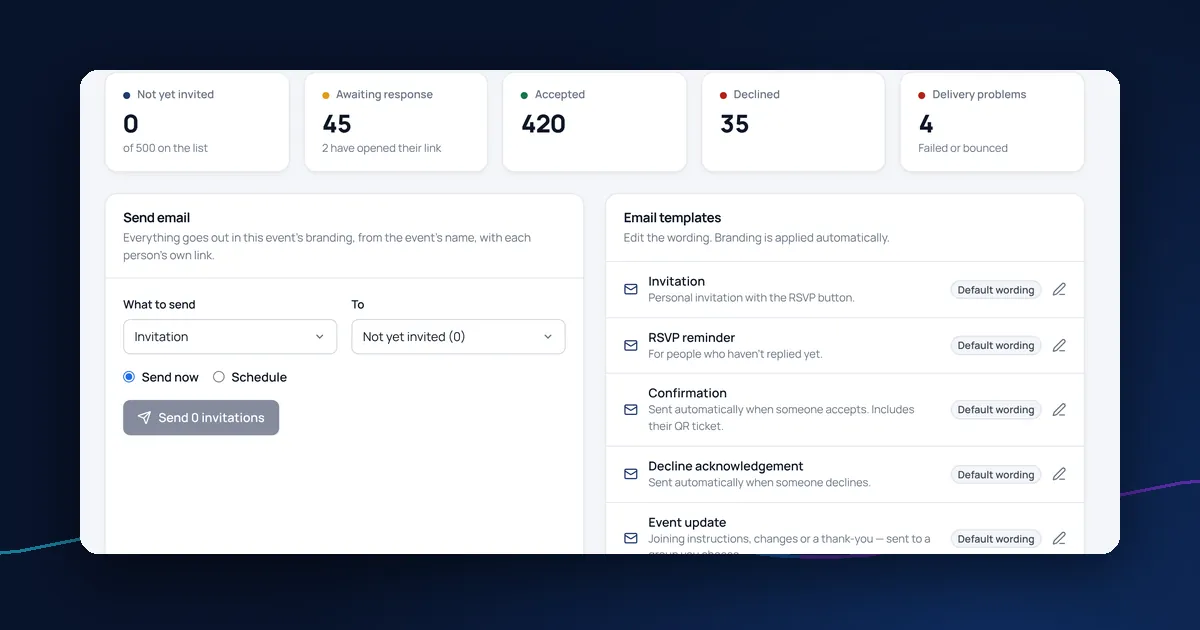
Send reminders only to people who haven't replied, never to the whole list. Two reminders are usually enough: one about a week before the deadline and one a day or two before it. Our guide to RSVP reminder emails covers timing and wording.
Confirm straight away
When someone accepts, send a confirmation with the date, venue and anything they need to bring, such as a ticket. A prompt confirmation reassures guests and cuts down the emails asking whether their reply arrived.
How DelegateFlow handles RSVPs
DelegateFlow's event registration software gives every guest a personal reply link, collects plus-ones, dietary and access needs and your own questions on one form, and issues QR tickets the moment someone accepts. Replies appear live on the responses dashboard, including who has opened their link but not replied, and feed straight into your delegate list.