Getting dietary requirements right is one of the things guests remember. Getting them wrong can be dangerous. Here's how to collect them accurately, pass them to your caterer and keep them secure.
Ask on the reply form, not afterwards
Ask about dietary needs when guests reply. Chasing them separately later means a second round of emails and a list that's never quite complete.
Offer clear options, plus a free-text box
Tick boxes make the numbers easy to count; a free-text box catches everything else. A good starting set is:
- Vegetarian
- Vegan
- Pescatarian
- Halal
- Kosher
- Gluten free
- Dairy free
- Nut allergy
- Other (please tell us)
Ask about allergies separately and specifically. "Nut allergy" isn't enough for a caterer; they need to know which nuts and how severe.
Don't forget guests' guests
If guests can bring someone, ask about their dietary needs too, and make it clear whose need is whose.
Treat the details as sensitive
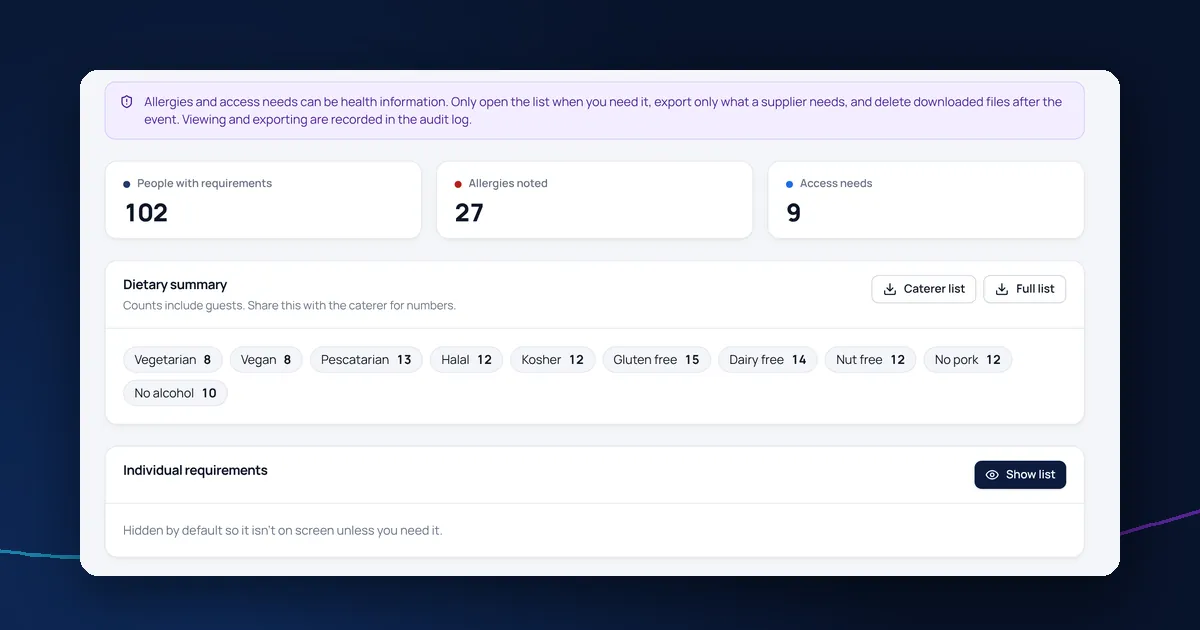
Allergies and some dietary needs can reveal health information, which needs extra care under UK GDPR. Explain why you're asking and who will see the answers, consider asking for explicit consent, and keep the details separate from the main guest list. Our GDPR guide for event organisers explains more.
Give the caterer only what they need
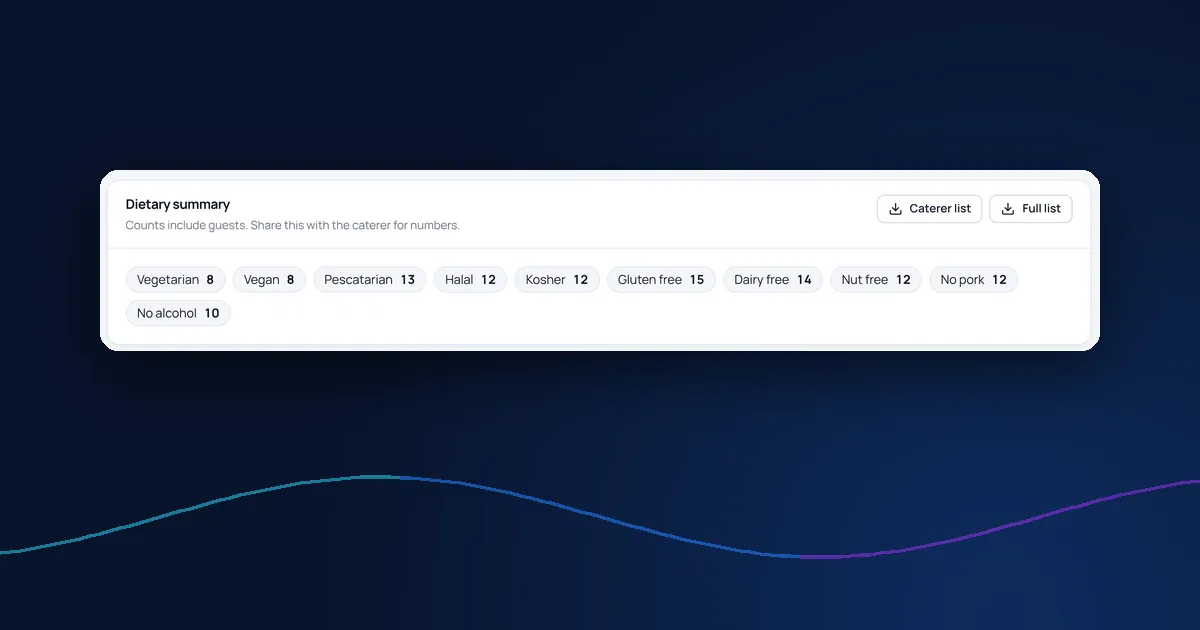
Your caterer needs names, dietary needs and allergies, plus totals. They don't need email addresses, phone numbers or access needs. Send a list built for them rather than the full guest list.
Check before the day
Send the final list to the caterer after your reply deadline, then again if anything changes. Make sure the event team on the day knows which guests have serious allergies.
Dietary requirements in DelegateFlow
DelegateFlow's reply form includes dietary and access sections for guests and their plus-ones, with optional explicit consent. Requirements are stored separately, and you can export a caterer list with names, dietary needs and allergies only. See how guest data is protected.