Knowing who actually came is as important as knowing who said they would. Attendance figures help you on the day and show what the event achieved afterwards. Here's what to track and how.
What to measure on the day
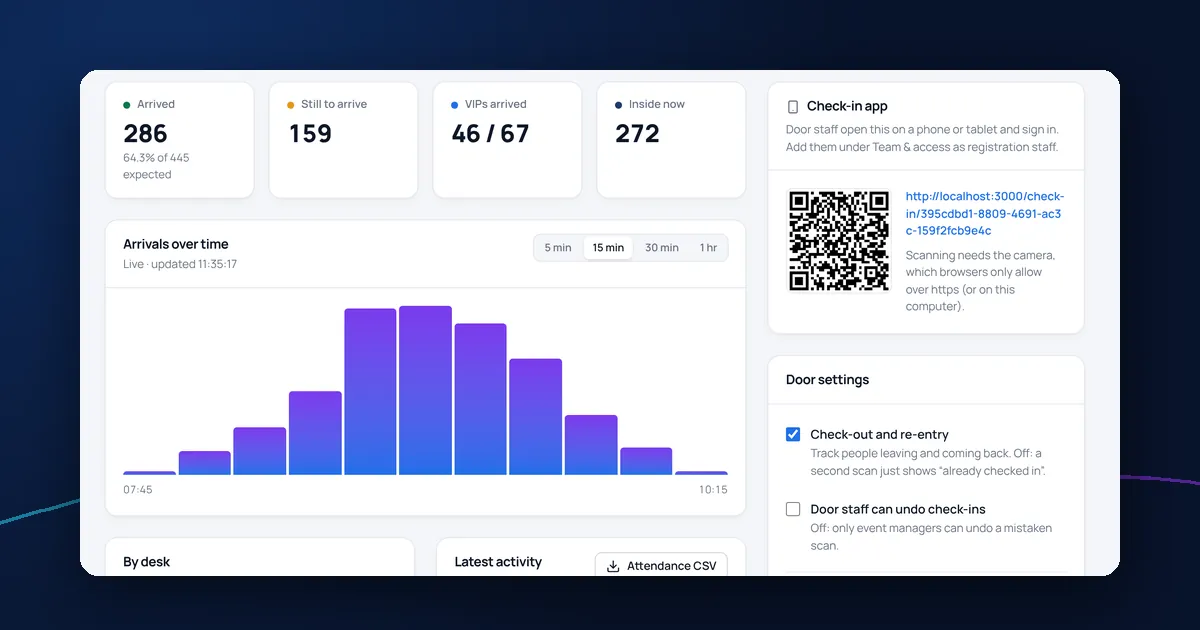
- Arrivals against the number expected, including guests
- Arrivals over time, so you know when to start
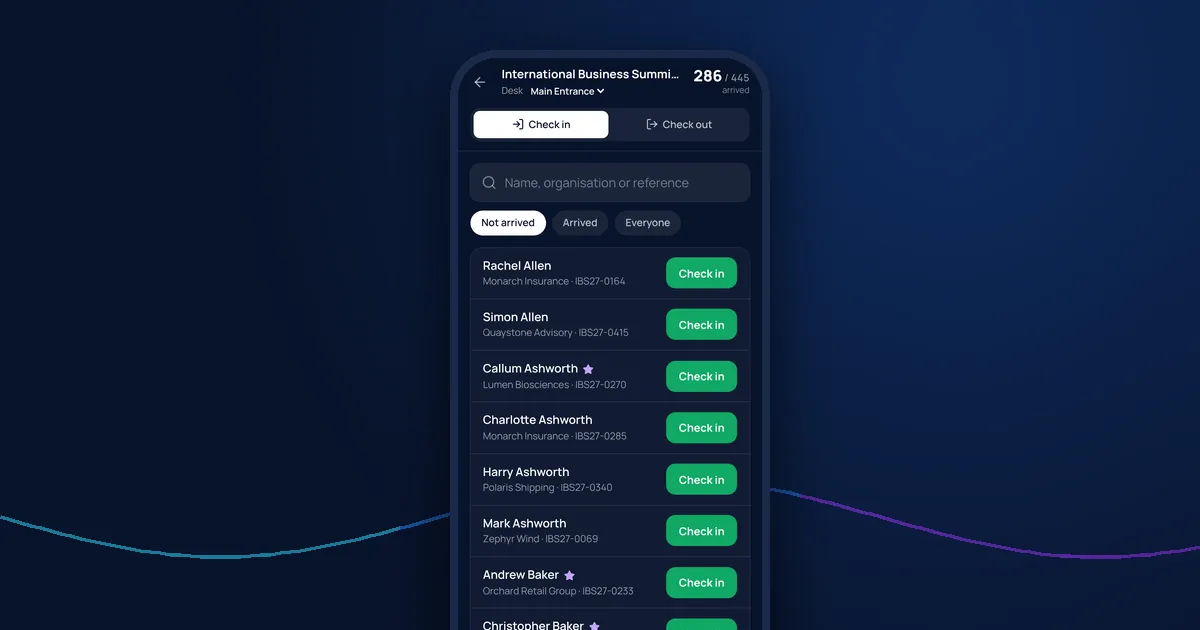
- Arrivals by entrance, so you can move staff
- VIPs still to arrive
- How many are inside now, if guests come and go
Expect some no-shows
Not everyone who accepts will come. No-show rates vary with the type of event, the weather and how far in advance people replied. Track your own rate across events so you can order catering and set capacity with confidence.
Check-out and re-entry
For multi-day events, or venues with capacity limits, recording when guests leave and come back tells you who is in the building at any time.
Share live figures
Stakeholders often want to know how the event is going without being at the door. Give them a read-only view of live numbers rather than sending updates by text.
After the event
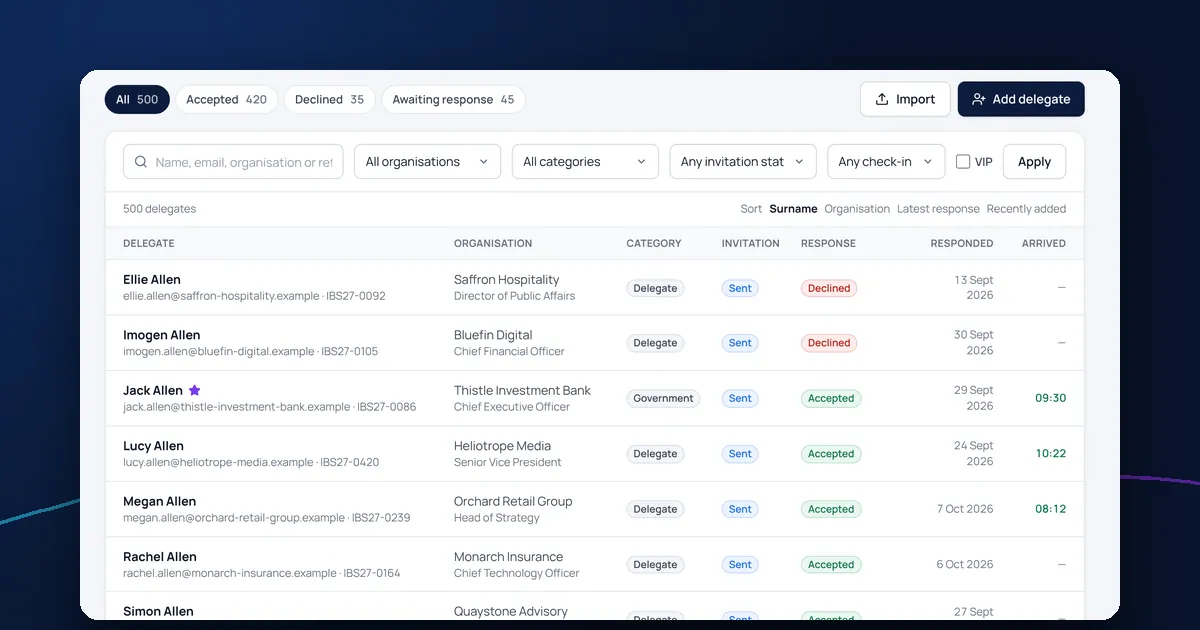
Download the attendance log to see who came, who didn't and when people arrived. Use it for follow-up emails and to plan the next event. Remember to keep this data only as long as you need it: see our GDPR guide for event organisers.
Attendance tracking in DelegateFlow
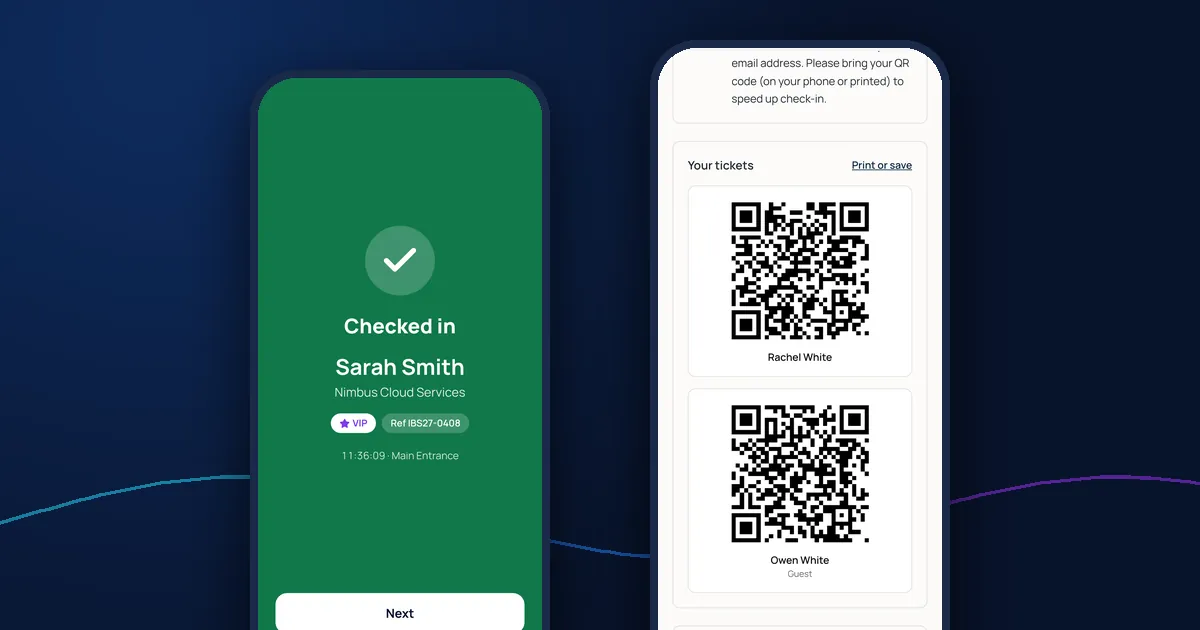
DelegateFlow shows arrivals over time, by entrance, VIPs still to arrive and who's inside now, updating live in the dashboard and in colleagues' reports view. Arrival times appear on the delegate list and you can download the full attendance log. Read more about the QR code check-in app.