The registration desk is the first thing guests experience on the day. A queue in the rain sets the wrong tone; a quick, friendly welcome sets the right one. Here's how to plan it.
Work out your peak
Most guests arrive in a short window, often the 30 minutes before the start. Plan staffing for that peak, not the average. As a rough guide, one person scanning QR codes can welcome several guests a minute; searching by name is slower.
Use more than one entrance if you can
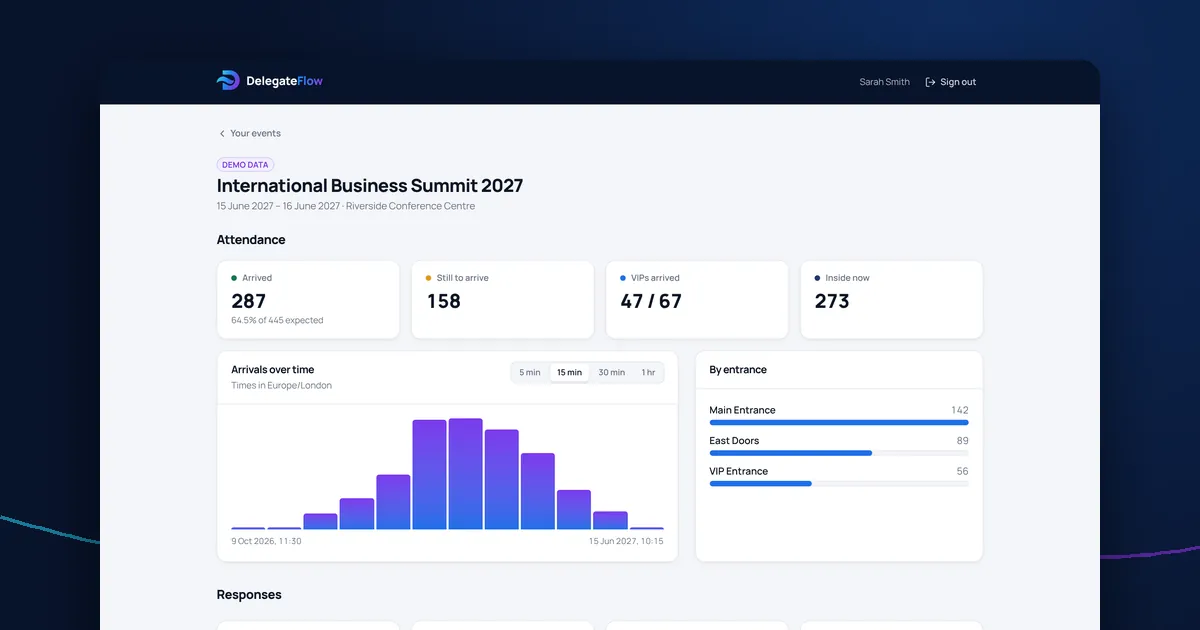
Separate desks for VIPs, speakers or different entrances spread the load. Track each one separately so you can move staff to where the queue is.
Brief your door team
- How to scan a ticket and what each result means
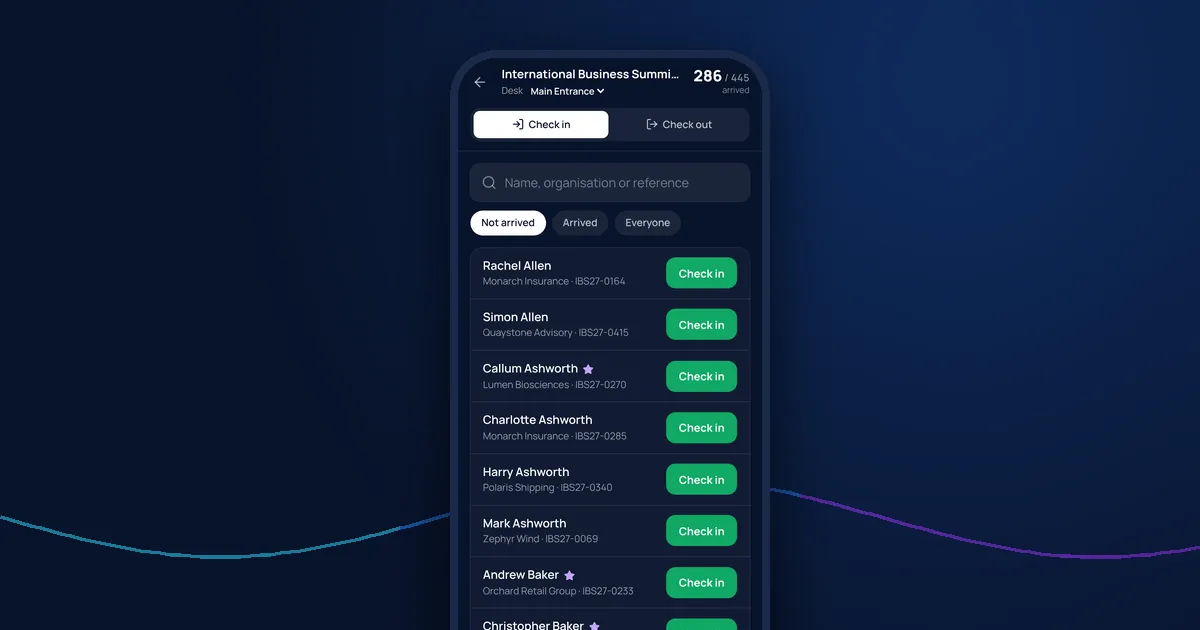
- How to find a guest who has no ticket
- What to do if someone isn't on the list
- Who to call for VIPs or problems
- Where to send guests next: cloakroom, badges, the main room
Give door staff only what they need
Door staff need names, organisations and arrival status. They don't need email addresses, phone numbers or dietary and medical details. Limiting what they see protects your guests and keeps the screen simple. Our GDPR guide explains why.
Plan for problems
- A poor signal at the door: test it in advance and have a backup connection
- A guest not on the list: have a named person who decides, not the door team
- A flat phone: bring chargers and a spare device
- Late changes: make sure the list the door sees is the live one
Watch arrivals live
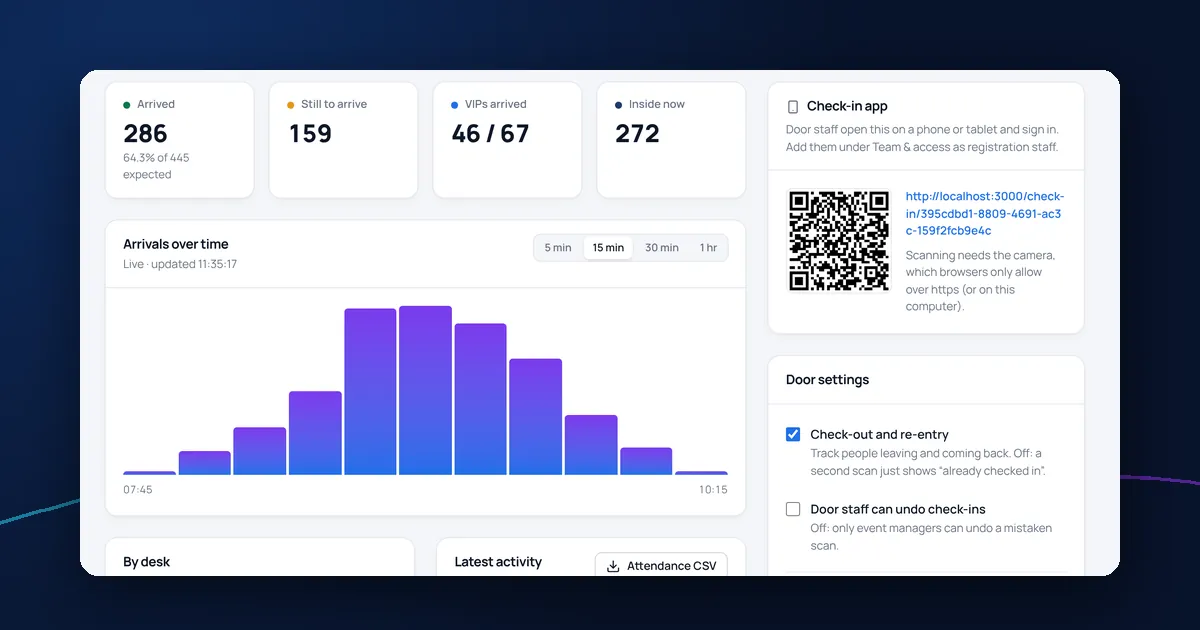
Live arrival numbers let you decide when to start, tell the caterer how many are in and spot VIPs who haven't arrived. See tracking attendance on the day.
Running the door with DelegateFlow
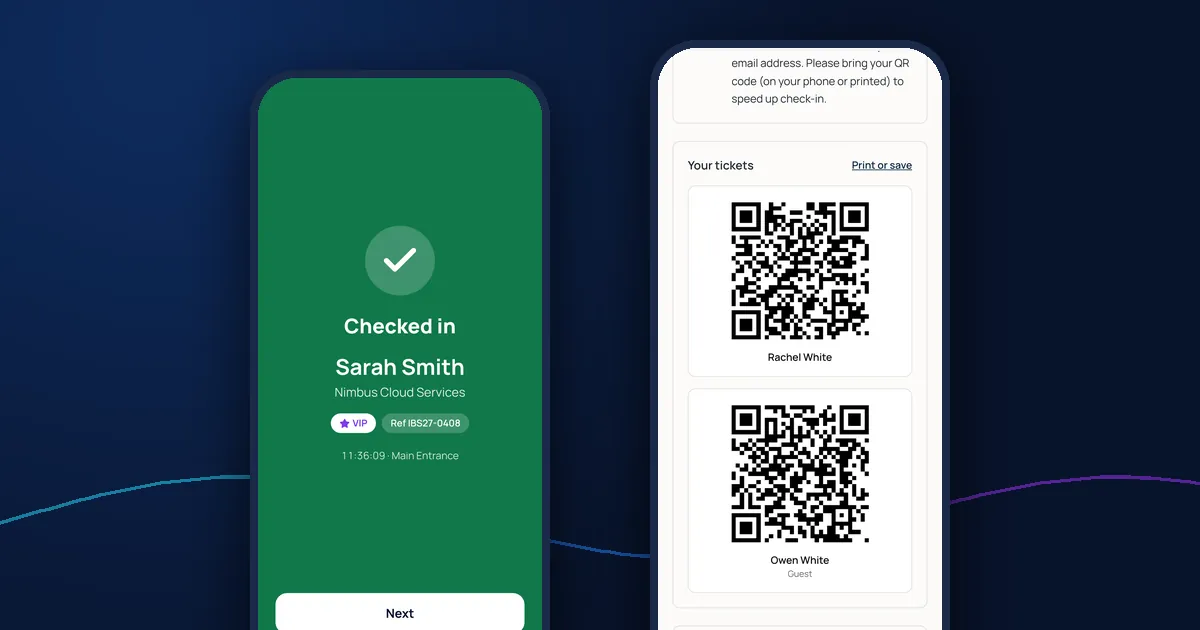
With DelegateFlow's check-in app, door staff sign in on their own phone, choose their entrance and start scanning. They see names, organisations, references and arrival status only, for the events they're working on. Event managers follow arrivals by entrance live in the dashboard.