If you're still running registrations through email, web forms and spreadsheets, a dedicated system will save hours and reduce mistakes. But event registration software ranges from simple ticketing tools to large platforms. Here's what matters for invitation-only corporate events, and the questions worth asking.
Start with how your events actually work
Ticketing platforms are built for selling seats to the public. Corporate events are different: guests are invited by name, often with a plus-one, and you need their dietary and access needs, sometimes a hotel room, and a reliable way to check them in. Look for software built for invitation-only events if that's what you run.
Features that matter
- Personal reply links for each guest, rather than one public form
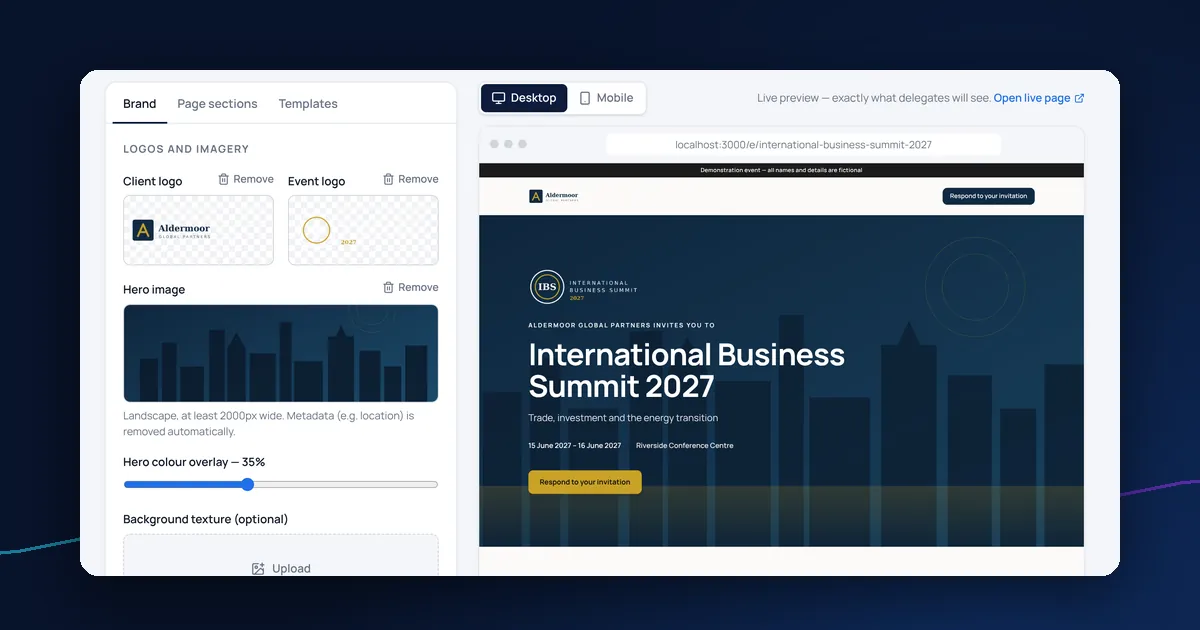
- Branded invitations, reminders and confirmations you can edit
- A reply form with plus-ones, dietary and access needs and your own questions
- Guest list import from a spreadsheet, with duplicate checks
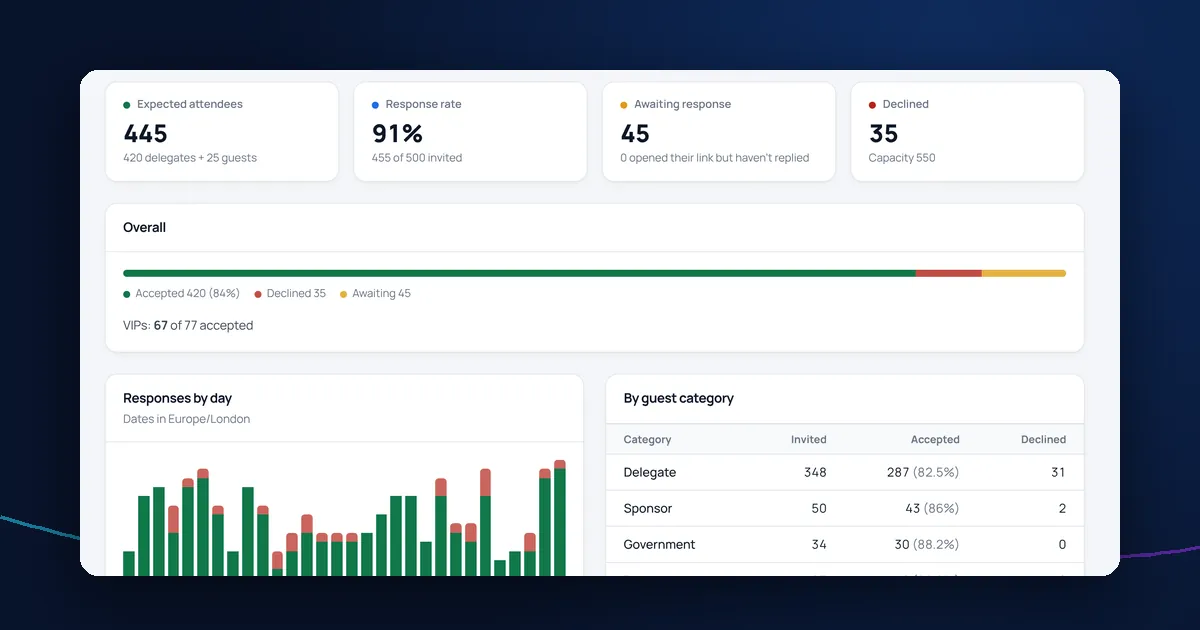
- Live reporting on replies
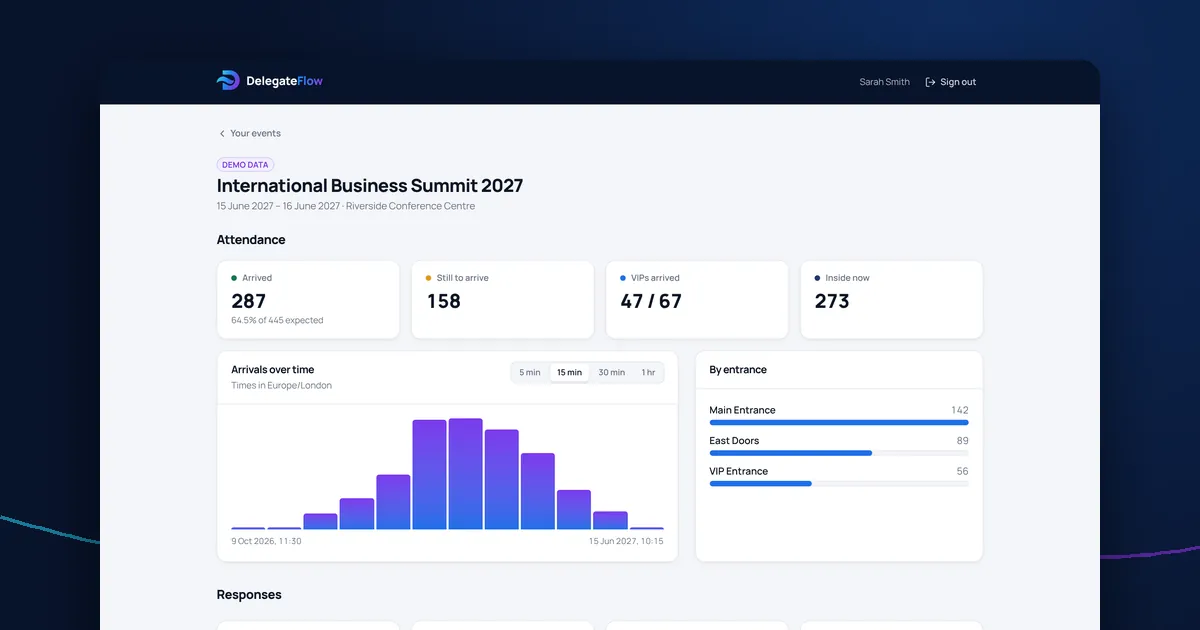
- QR tickets and a check-in app for the day
- Accommodation requests and a rooming list, if you book hotels
- Roles, so each person sees only what they need
Data protection is not optional
You'll be storing personal data and, with dietary and access needs, possibly health information. Ask where the data is held, who the supplier's own suppliers are, whether they'll sign a data processing agreement, how access is controlled and whether actions are logged. Our GDPR guide for event organisers explains why this matters.
Questions to ask suppliers
- Can we brand the invitations and pages ourselves?
- How do guests reply? Do they need an account?
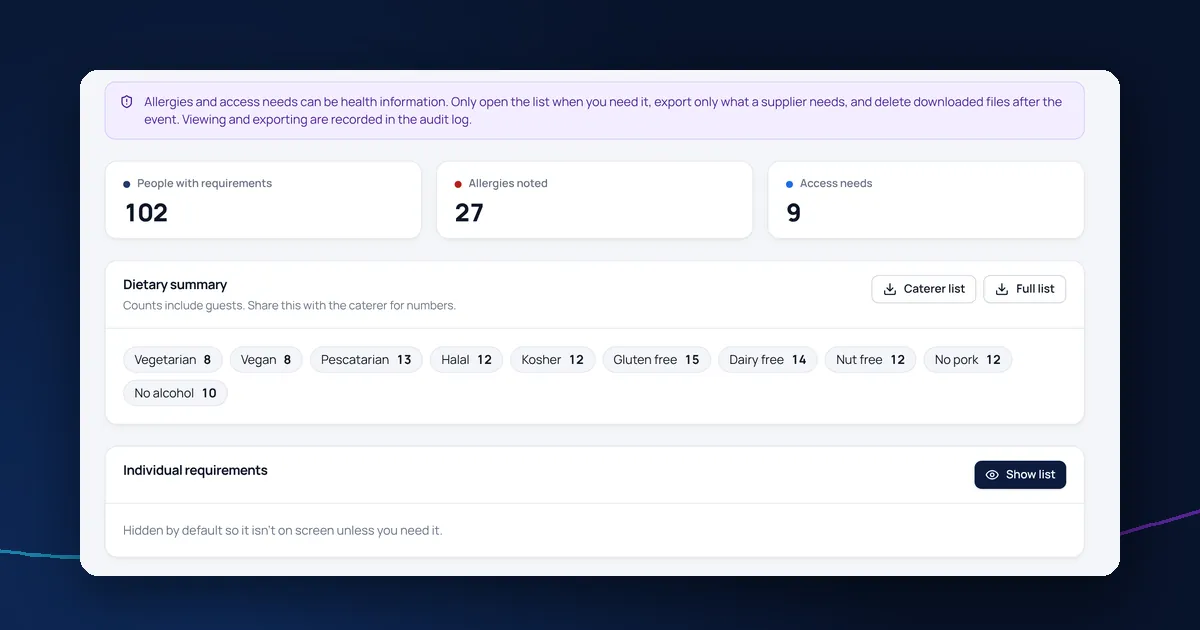
- How are dietary and access details protected, and who can see them?
- What does the door team need on the day?
- Can colleagues see live figures without being able to change anything?
- Can we reuse an event's setup next year without copying personal data?
- Will you sign a data processing agreement?
- Can your team run the event for us if we're short of time?
Self-service or managed?
Some teams want to run everything themselves; others want an events team to do the work while they follow progress. Software that supports both means you can choose event by event.
Where DelegateFlow fits
DelegateFlow is built for invitation-only corporate events: registration and RSVPs, delegate management, accommodation and a QR code check-in app, with data protection designed in. You can run events yourself or have Eureka Events' team run them for you. See pricing for how quotes work.